
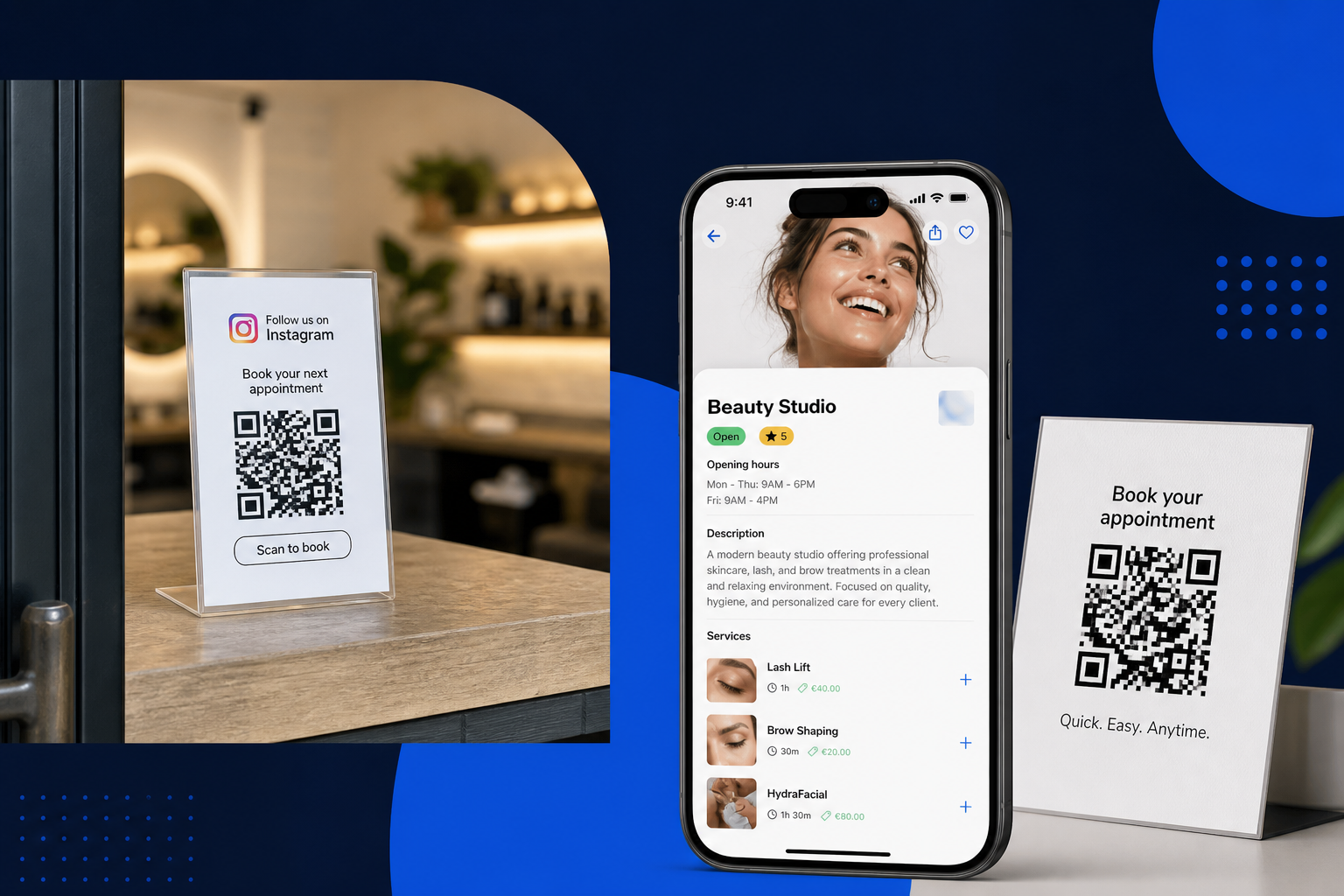
One booking link and a QR code: how to stop losing Instagram clients
Bio, Google, the door, the receipt. One Planoora Store link everywhere. A QR is just that link on paper.
If your Instagram bio says “DM for appointments”, you have turned a shop window into a queue. Stories expire. Messages bury. Two staff quote two times. The person who was ready to pay opens the next profile.
Your Planoora Store is already a booking page: live services, real slots, pay if you require it. The only job left is to put that URL where people already look, and to print it as a QR where they stand.
What to put in the bio and on Google
One link. Not a Linktree of five tools. Instagram bio, Google Business Profile website field, Facebook, TikTok, email signature, WhatsApp business greeting. When someone asks “how do I book?”, you send the same URL every time.
Existing clients using that link pay 0% Planoora platform fee. That is why you should not train them to book only through a marketplace search if they already know you.
QR codes that people actually scan
Print the Store QR at the door, the desk, the mirror, the table tent, the invoice. Same destination as the bio. Last-minute walk-ins and “I will book the next one before I leave” happen in the shop, not later on the sofa.
Do not print “12 seats left” or a date that will be wrong next week. The QR always opens live availability. Update the Store, not the sticker.
Stories, posters and events
For a workshop, the story sticker and the poster should hit the event on the same Store, with remaining spots. For a stay, the QR on the listing photo should open the range calendar, not a DM. One product, many surfaces.
If you run stickers or cards in the street, point them at the Store, not at a dead landing page. Planoora is the live calendar behind the code.
FAQ
Do clients need the app to use the QR?
No. The Store link opens in the browser. The app is optional for people who want discovery and repeat booking in one inbox.
Can I have different links for two locations?
Each Store has its own page. Put the matching QR in each location so staff and slots stay honest.