
Home services: booking tips for cleaners, beauty pros and mobile teams
Field work adds travel time and no-shows hurt more. Structure your day before you add more clients.
A missed salon slot is an empty chair. A missed home visit is a van, fuel, and 40 minutes across the city for nothing. Cleaners, mobile beauty, pet grooming, repairs and in-home wellness all share the same problem: the calendar has to respect travel, service area and first-time risk, not only duration.
If clients still book by “are you free Thursday?”, you will stack two jobs that look fine on paper and collapse in traffic. Let them pick a slot online, but only show windows you can actually reach. Planoora is built for field services as well as in-store appointments: the client books from their phone, you see the job on the Store calendar with notes, and payment can be taken before you leave the previous address.
Draw the map before you open more days
Define postcodes or neighbourhoods you serve. A “we go everywhere” policy fills the diary with unprofitable zigzag days. Cluster jobs by area when you can, and put buffer between appointments so travel is part of the product, not an unpaid extra.
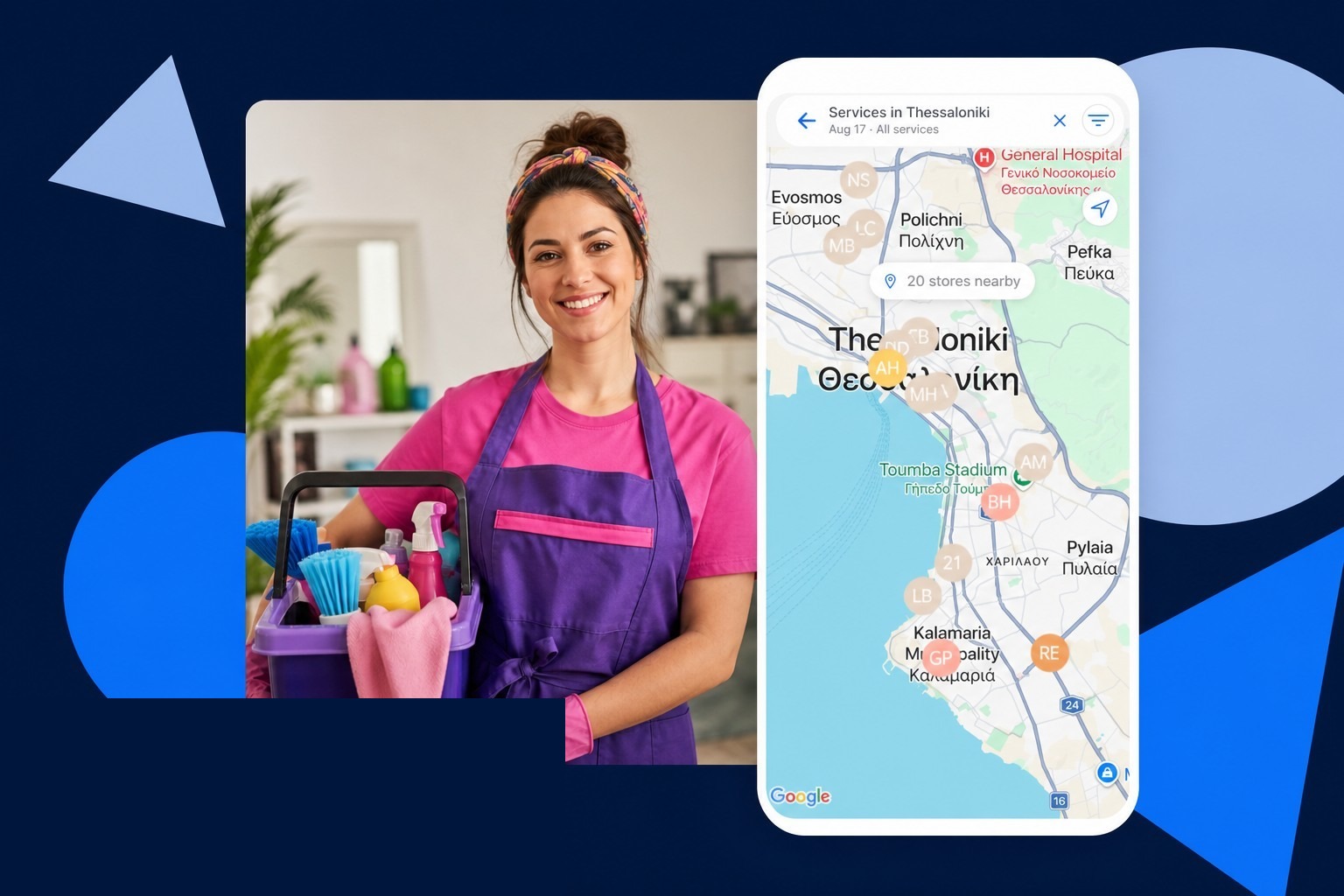
Clients in Thessaloniki, Athens or island towns will search “near me”. A complete Planoora Store with location and services is how you show up in that map, not only in DMs.
Protect the first visit
New addresses are where no-shows and “wrong apartment” waste the most time. Require a card hold or prepayment for first-time clients. Ask for floor, buzzer and parking notes in the booking. Send a reminder the day before that repeats the address and asks them to confirm or reschedule.
If they cancel inside your policy window, keep the deposit rules visible at checkout so the conversation is not a fight at the door.
What the team needs on the phone
Before they ring the bell they should see service name, duration, price, paid or not, client notes, and any photos from the last visit. That is why a shared Planoora client profile beats a group chat full of screenshots.
When a job runs long, the next slot has to move. Drag-and-drop on the Store calendar (including from a phone) is faster than calling the next client while you are still packing the kit.
Grow without burning the route
Add a second person only after the first diary is dense in one area. Marketplace demand is useful when you have leftover morning windows in a neighbourhood you already serve. It is not useful if it sends you 25 km for a one-hour job at salon-commission rates.
On Planoora, Store-link bookings from your own clients stay at 0% platform fee. Use app discovery when you want to fill a gap, not when you want to give away the margin on a regular weekly clean.
FAQ
Can clients still pay cash on site?
Yes. You can offer card, Apple Pay, cash or Planoora tokens depending on how you set the Store. For new addresses, prepay or a hold is still the safer default.
How do I stop two team members driving to the same street?
Give each person their column, keep resources honest, and review the day view the night before. Live calendar beats a shared spreadsheet that nobody opened this morning.